Why and How You Simplify IT with Microsoft 365
Microsoft builds tools and services for IT pros to enable them to benefit from a Microsoft 365 architecture, development approach and end-user experience that meets the standard of being "Integrated for Simplicity." This blog highlights how integrated-for-simplicity principles simplify the process of making the modern workplace a reality.
Why was my request blocked?
Your request was blocked because the system detected activity that looks like it might be coming from an automated process rather than a typical web browser. This is often based on your User-Agent string, which identifies the type of application making the request.
When the User-Agent appears to be from a script, bot, or other automation, the site may temporarily block access to protect services like Dynamics 365, Microsoft 365, Microsoft Power Platform, Microsoft Teams, or Copilot for Microsoft 365 from misuse or overload.
What is a User-Agent string?
A User-Agent string is a small piece of text your browser or application sends with each web request. It usually includes details like the browser name, version, and operating system. Websites use this information to understand how you are accessing their services.
If the User-Agent string looks like it belongs to a script, crawler, or other automation tool, the system may treat the request as automated traffic. In this case, access to services such as Dynamics 365, Microsoft 365, Microsoft Power Platform, Microsoft Teams, or Copilot for Microsoft 365 can be blocked until the traffic is confirmed as legitimate.
If you are a legitimate user and not running an automated process, you can start by following the instructions in the message you received. The notice says that if the User-Agent detection is incorrect, you should click the provided link.
After clicking the link, you may be guided through steps to confirm that you are a human user and not an automated script. Once verified, you should be able to continue using services like Dynamics 365, Microsoft 365, Microsoft Power Platform, Microsoft Teams, or Copilot for Microsoft 365 without the same block appearing.
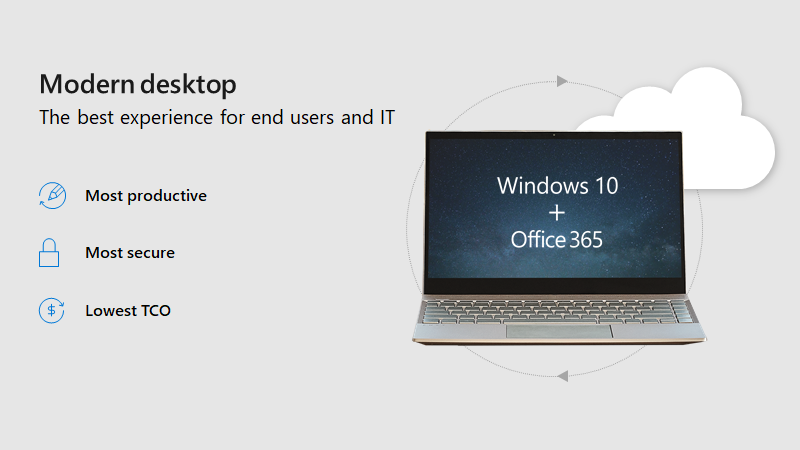
Why and How You Simplify IT with Microsoft 365
published by Winmill Software
Founded in 1994, Winmill is a technology services company headquartered in New York City. Over the years we have changed as technology has changed. We focus on best of breed products that help our clients get the most out of their software. Across all of our practices, our goal is to delight our customers every day. We say what we’re going to do, and then we do it. We communicate throughout the project, so our clients are always involved and engaged. No surprises, no bait and switch. We bring to every project our full 25 years of best practices, so you know we are never reinventing the wheel on your dime. We believe in doing the right thing today, so that you will call us back tomorrow. For more information, visit us at winmill.com.
-300px.png "Winmill Software")



 Sign in with LinkedIn